龙虾免费本地一键部署
大圣专门针对龙虾开发的一键整合方案:安装器、配置中心、配置修复、像素小屋与 Hermes 扩展都收敛到同一套流程里。你奶奶一路回车 5 分钟,也能把龙虾养起来。
适配 macOS / Linux
Node.js 22+
3-10 分钟启动
openclaw-setup 统一入口
Mac搜索“终端”,win搜索“cmd”进入命令行控制台。
安装命令:
curl -fsSL --proto '=https' --tlsv1.2 --connect-timeout 8 --max-time 25 https://gitee.com/leecyno1/auto-install-openclaw/raw/main/install.sh | bash
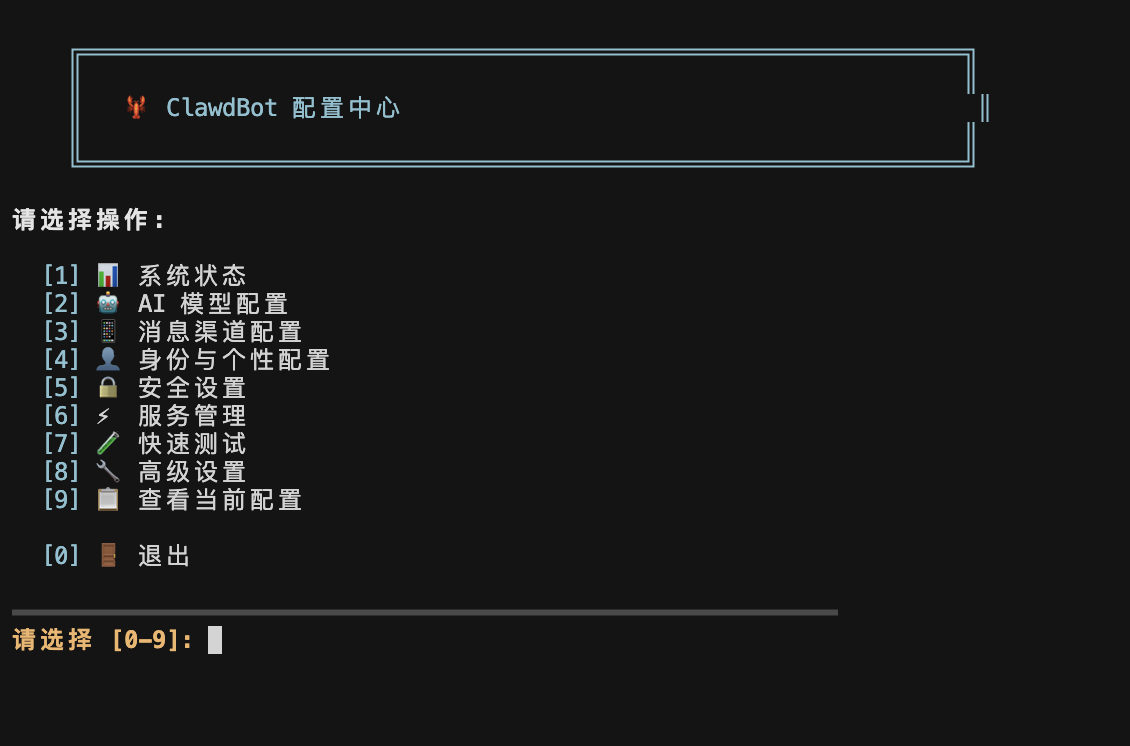
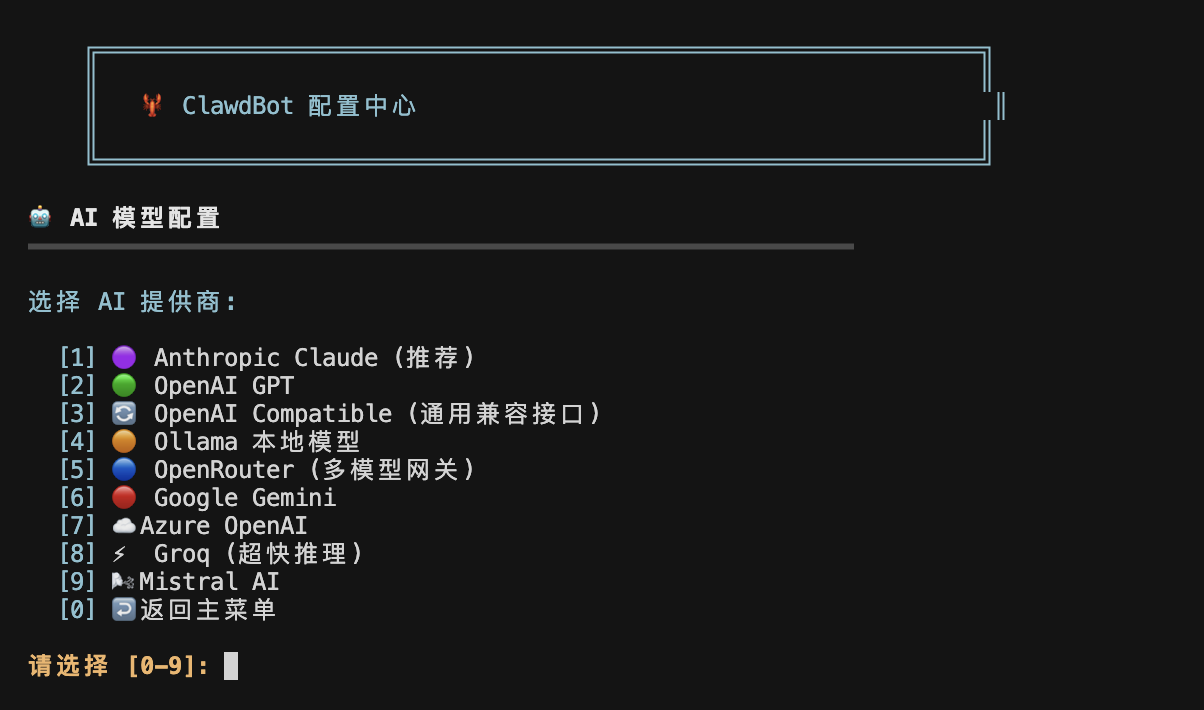
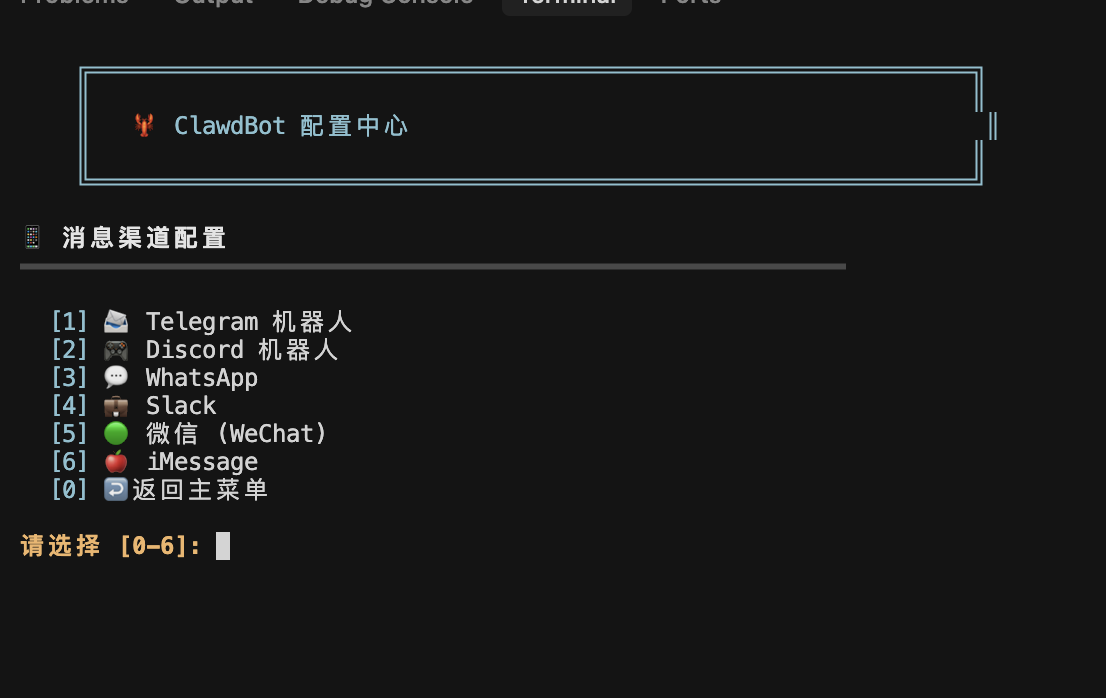
安装后打开配置中心(推荐统一入口):
openclaw-setup config
修复历史错误配置(保留记忆/对话):
openclaw-setup repair
补装或修复龙虾的小屋:
openclaw-setup workbench
补装 Hermes Agent:
bash ~/.openclaw/config-menu.sh --install-hermes
显示 GitHub 直连 / 全自动安装命令
GitHub 直连安装:
curl -fsSL https://raw.githubusercontent.com/leecyno1/auto-install-Openclaw/main/install.sh | bash
全自动安装:
curl -fsSL --proto '=https' --tlsv1.2 --connect-timeout 8 --max-time 25 https://gitee.com/leecyno1/auto-install-openclaw/raw/main/install.sh | bash -s -- --auto-confirm-all
 Openclaw Lobster